Managing a personal budget is something almost everyone thinks about at some point — especially when it becomes unclear where the paycheck keeps disappearing. Money Manager is one of the most popular budgeting apps on the market, with more than 10 million downloads and a Google Play “Editor’s Choice” badge.
But how good is it in real everyday use? Does it support automatic expense tracking? Is it suitable for family budgeting? And which alternatives in 2026 offer more advanced features and automation? Let’s take a closer look.
What is Money Manager, and what features does it offer for budgeting?
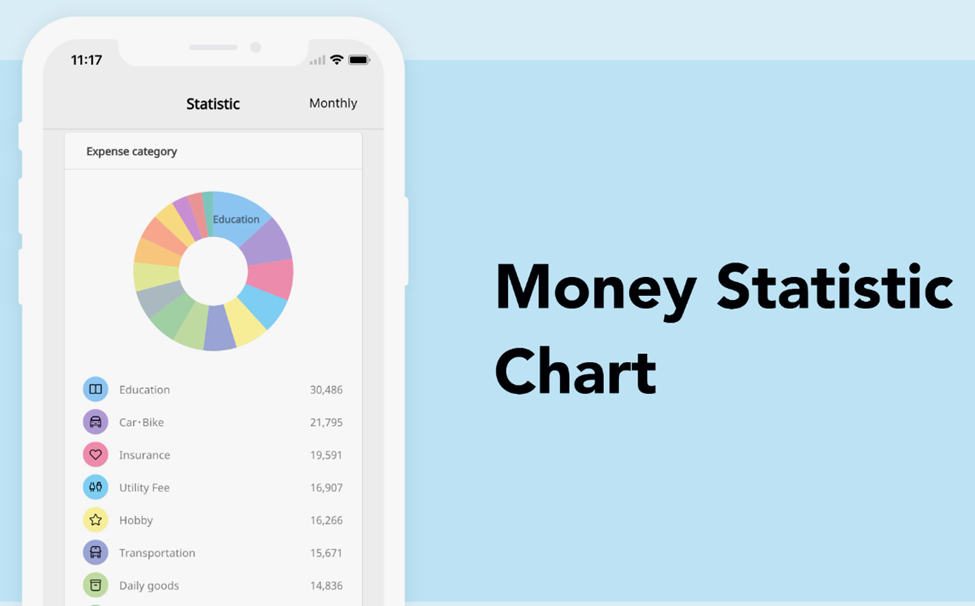
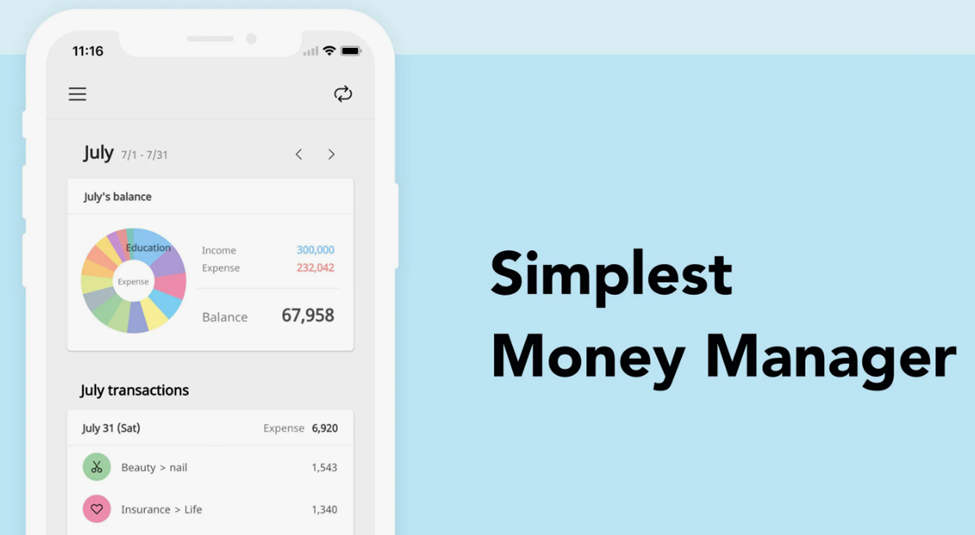
Money Manager is a personal finance app available on both iOS and Android that helps users track income and expenses, plan budgets, and manage multiple accounts. Unlike many competitors, it focuses heavily on detailed financial tracking and double-entry bookkeeping principles.
Key features of the app:
- Double-entry bookkeeping system. When you record income, the balance of a bank account increases, and when you add an expense, funds are deducted. This helps users manage assets more accurately instead of simply logging transactions.
- Account and credit card management. Users can set credit card payment dates, while the app displays upcoming payments and remaining balances.
- Budget planning. You can set spending limits for categories, and Money Manager visually shows how closely you are staying within your budget.
- Subcategories for detailed tracking. For example, within the “Groceries” category, users can create subcategories such as cafés, food delivery, or supermarkets.
- Detailed charts and reports. The app provides statistics by day, week, month, and year, along with visual breakdowns of income, expenses, and asset changes over time.
- Recurring transactions. Useful for tracking salaries, utility bills, subscriptions, and loan payments automatically.
- Multi-currency support. The app supports multiple currencies, which is useful for travelers and people with international accounts.
- Excel export. Users can export all financial data for deeper independent analysis.
- Backup and recovery. Financial data can be backed up and restored through email, Dropbox, or iCloud.
“If logging a single purchase takes more than ten seconds, it stops being budgeting and starts feeling like a punishment. A modern financial tool should be fast and almost invisible in everyday life,” says Anton Danilenko, creator of the AI assistant Marta.
Money Manager is a feature-rich financial tool with a powerful double-entry bookkeeping system, desktop support, and highly detailed tracking capabilities. It is best suited for users who are willing to spend time managing their finances manually in exchange for complete control over every dollar.

Money Manager reviews: what is it like to budget with the app?
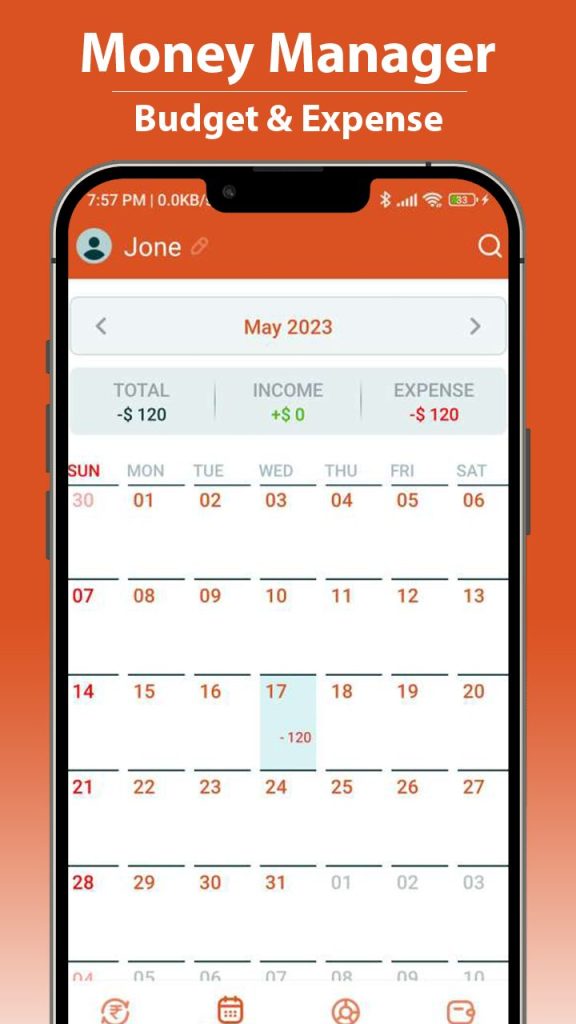
Users generally rate the app very highly. According to Google Play data, Money Manager holds a 4.7-star rating based on more than 437,000 reviews. What exactly do users like most?
Advantages users frequently mention
- Clean and intuitive interface. Many users say the app feels organized and easy to understand without being overloaded with unnecessary features.
- Highly detailed tracking. Users appreciate the ability to create subcategories and customize their financial structure in detail.
- Customizable dashboard. The home screen can be personalized to display budgets, goals, and key financial information in one place.
- Clear reports and analytics. Reviews often praise the visual charts and graphs that make spending patterns easy to understand.
- Free core functionality. Many users highlight that the basic version already includes most essential budgeting features without requiring payment.
One user on Product Hunt wrote: “I have tried many budgeting apps, but Money Manager stands out because of its customizable dashboard, AI insights, and detailed reports. It is very user-friendly and perfect for tracking income and expenses.”
Users appreciate Money Manager for its convenience, flexible customization options, and clear financial analytics. It is best suited for people who want a complete overview of their finances and are willing to spend time maintaining detailed records.
Does Money Manager support automatic expense tracking through SMS?

This is the most important question for users who do not want to spend time entering transactions manually. The short answer is: automatic expense tracking in Money Manager is very limited compared to modern budgeting apps. The app does support SMS parsing, meaning users can create rules for processing bank notifications so expenses are added automatically.
However, in practice, there are several important limitations:
- Requires manual setup. Users need to create custom parsing rules for each bank, specifying which symbols represent the amount, date, and category. This feature is only available in the Pro version.
- Limited bank compatibility. SMS parsing does not work reliably with all banks, especially in unsupported regions. Many users report that automatic tracking does not work properly “out of the box.”
- Issues with bank imports. Some Premium versions of Money Manager include direct bank integrations in selected countries, but users often complain about synchronization bugs. One review noted: “Transactions import correctly at first, but after a day or two the app starts turning purchases into income and refunds into expenses, making the budget useless.”
Some users also mention what feels like a misleading monetization strategy. The app is advertised as free, but after entering a certain number of transactions, users may suddenly be asked to purchase a subscription to continue using it. One review states: “I spent four hours entering my financial data, and suddenly the app asked me to subscribe to continue. If I had known that in advance, I would never have started.”
In practice, automatic expense tracking in Money Manager feels more like a marketing promise than a fully reliable feature. For users in many regions, полноценная bank synchronization is simply unavailable. The app remains largely a manual budgeting tool where transactions must either be entered by hand or managed through complex SMS parsing rules.
Pros and cons of Money Manager for family budgeting
Managing a family budget is a challenge of its own. So how well does Money Manager handle shared finances?
What works well:
- Cloud synchronization. Financial data can be synced across multiple devices through Dropbox, making the shared budget accessible to the whole family.
- Detailed analytics. Shared reports help families better understand their overall spending habits and household expenses.
- Password protection. Users can enable a passcode lock to protect access to the app and financial data.
Main drawbacks for family budgeting:
- No proper collaboration tools. There is no dedicated “add participant” feature. As one user explained: “You can technically make iCloud sync work through a shared folder, but it would be much easier if there were simply an ‘add participant’ button so my husband and I could properly share the same financial overview.”
- Synchronization bugs. Users occasionally report problems with syncing data between devices.
- Premium features sometimes disappear. Some reviews mention that after reinstalling the app, paid Premium features stop being recognized correctly.
- Difficult migration process. Importing and transferring financial data from another budgeting app can be complicated and time-consuming.
Money Manager is better suited for individual budgeting than for fully featured family finance management. While Dropbox synchronization does make shared access possible, the app still lacks a proper collaboration system with separate roles, permissions, and modern multi-user budgeting tools.
Money Manager alternatives: smarter apps for modern financial tracking
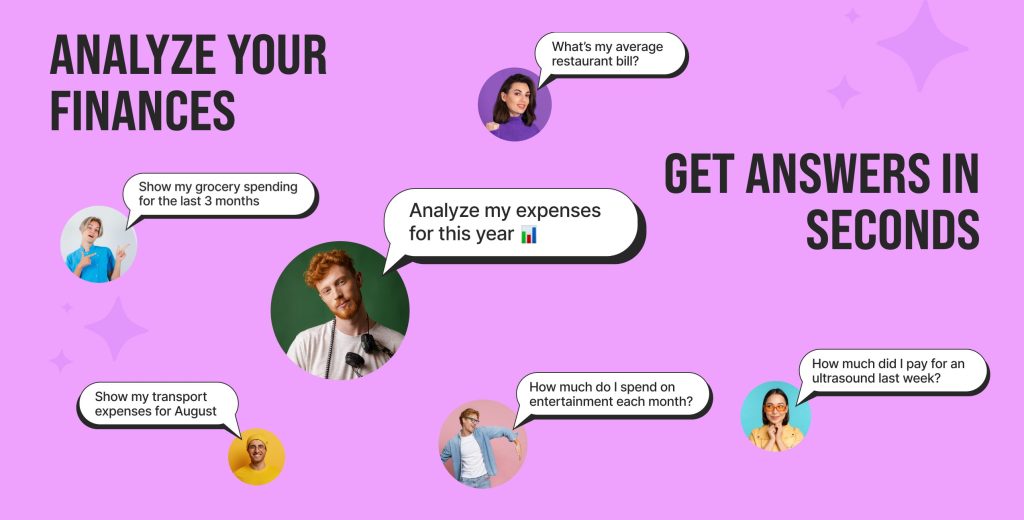
If you feel that manual budgeting and limited automation are not the right fit for you, here are several modern alternatives worth considering.
| Feature | Money Manager | Marta | Zenmoney | Monefy |
|---|---|---|---|---|
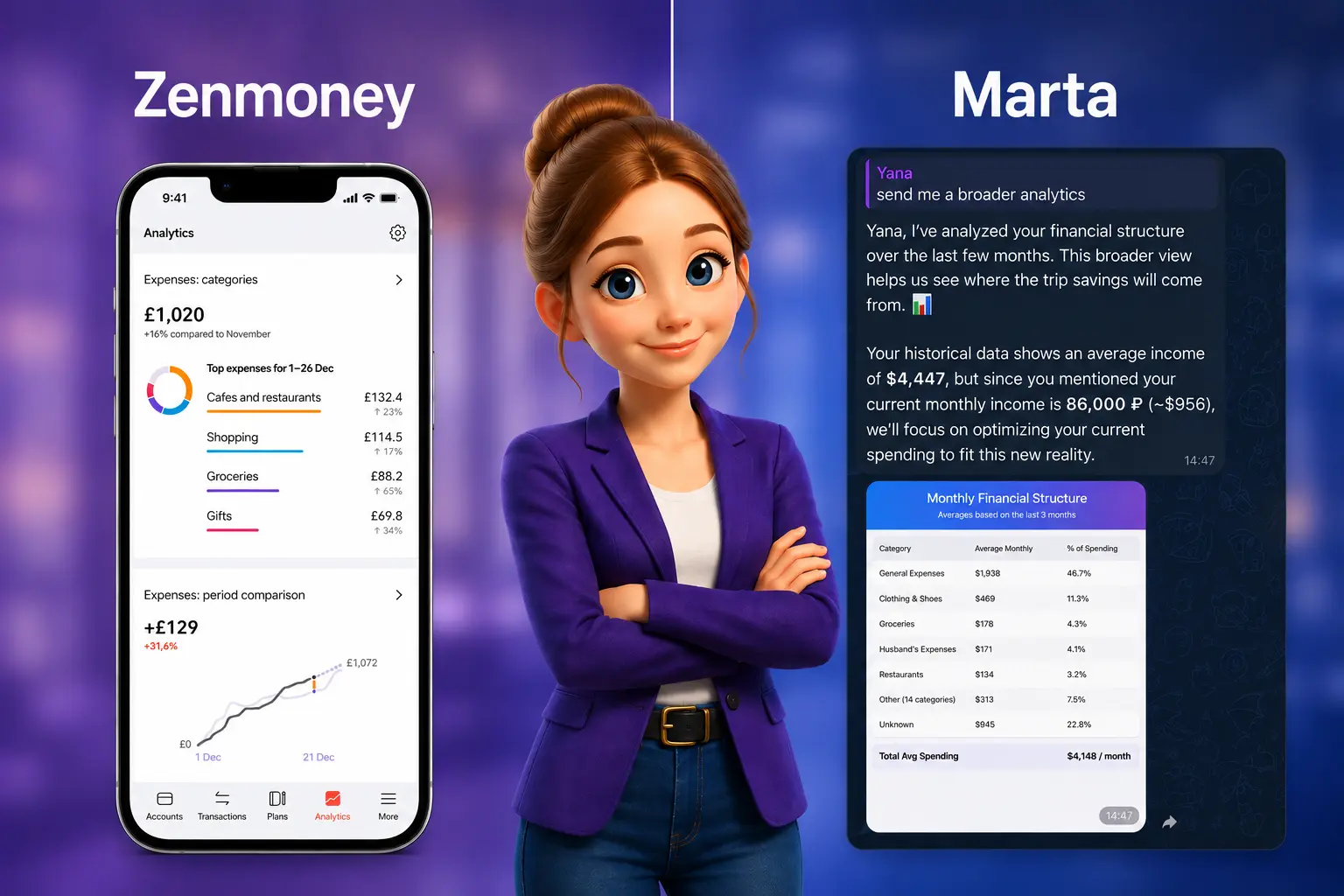
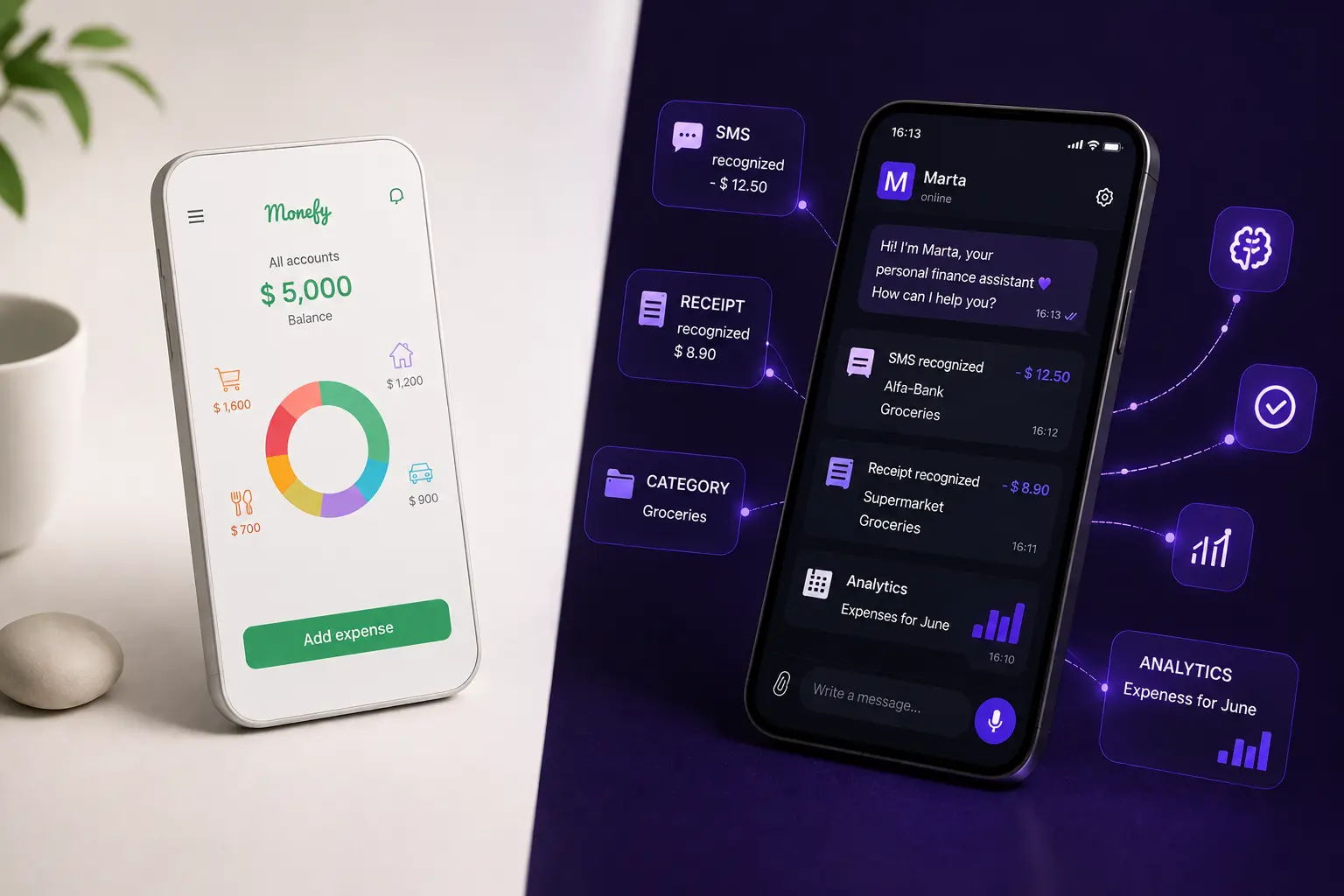
| Data input | Manual + SMS parsing (requires setup) | Voice, text, screenshots, PDF/CSV statements | Automatic bank sync via APIs | Manual only |
| Automatic expense tracking | Limited and unreliable in some regions | Yes (AI-powered) | Yes | No |
| Receipt / screenshot recognition | No | Yes (AI-powered) | QR codes only | No |
| Platform | iOS, Android + desktop manager | Telegram (cross-platform) | iOS, Android | iOS, Android |
| Family budgeting | Through shared cloud folders | Upcoming family plan with shared budgets and private chats | Yes | Through synchronization |
| Security | Medium | Maximum privacy (no direct bank access required) | Medium (requires deeper bank integrations) | High |
Why Marta is the best Money Manager alternative in 2026

If Money Manager’s philosophy is “manually enter everything and configure parsers yourself,” Marta’s philosophy is “everything works automatically.” Marta is an AI-powered financial assistant built directly into Telegram. It solves the biggest frustrations users often face with Money Manager: limited automation, complicated setup, and inconvenient family budgeting.
What makes Marta better
- Real automation without complicated setup. You do not need to create SMS parsing rules or manually enter every expense. Simply send Marta a receipt screenshot, voice message, or PDF/CSV bank statement, and the AI will automatically recognize transactions, categorize them, and add them to your reports.
- Smart recognition out of the box. Unlike Money Manager, where SMS parsing rules often need to be configured separately for each bank, Marta works immediately. It understands multiple languages and supports 170 currencies with automatic exchange rate conversion.
- Built directly into Telegram. There is no need to install another app, create extra accounts, or remember additional passwords. Marta is always available inside the messenger you already use every day.
- Maximum privacy and security. Marta does not require your bank logins or passwords. Unlike apps that rely on deeper device or banking integrations, Marta follows a privacy-first approach where you decide exactly what information to share.
- Next-generation family budgeting. In Money Manager, family budgeting is essentially based on shared cloud folders. Marta is introducing a modern family plan: budgets, goals, analytics, and reports will be shared, while each family member still keeps a private personal chat hidden from others. Users will also be able to switch seamlessly between personal and family modes.
Other alternatives:
- Zenmoney — a good option if automatic bank synchronization through APIs is your top priority, although it may require sharing banking credentials or granting deeper account access.
- CoinKeeper — known for its visual budgeting interface and SMS-based expense tracking, but its automation features remain relatively limited.
- Monefy — a solid choice for users who prefer minimalism and are comfortable with completely manual expense tracking.
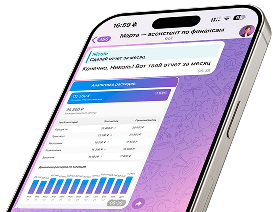
Marta — your personal finance assistant in Telegram
FAQ: common questions about Money Manager
1. What can Money Manager Expense & Budget do?
The app supports income and expense tracking using a double-entry bookkeeping system, management of multiple accounts and credit cards, category-based budget planning, visual charts and reports, Excel export, cloud synchronization across devices, and desktop management through Wi-Fi. It also includes SMS parsing features in the Pro version.
2. Is Money Manager suitable for family budgeting?
Partially. Dropbox synchronization allows multiple devices to share the same budget, but the app does not offer a true “add participant” system with separate roles and permissions. Many users rely on technical workarounds to create shared access.
3. Are there bugs in Money Manager’s automatic tracking features?
Yes. Users frequently report issues with bank transaction imports, including transactions being incorrectly categorized as income or expenses, synchronization failures, disappearing Premium features after updates, and inaccurate budget totals.
4. What are the best alternatives to Money Manager?
One of the strongest alternatives with real automation is Marta. It uses AI to recognize screenshots and bank statements, understands voice commands, works directly inside Telegram, and keeps your financial data private without requiring direct bank access. Other popular alternatives include Zenmoney (automatic bank synchronization through APIs) and CoinKeeper (SMS-based expense tracking).
Final thoughts: choose a tool that saves you time
Money Manager is a powerful and well-established budgeting tool. It offers detailed financial tracking, double-entry bookkeeping, clear reports, and desktop synchronization. However, it also comes with several significant limitations:
- Automatic expense tracking requires manual SMS parsing setup and is only available in the Pro version.
- Full automatic synchronization with many local banks is unavailable.
- Family budgeting relies on shared cloud folders rather than a proper built-in collaboration system.
- Users frequently report bugs, synchronization issues, and problems with Premium features after updates.
In 2026, manually tracking finances or spending hours configuring SMS parsers feels outdated and unnecessarily time-consuming. The modern approach is Marta: voice input, AI-powered screenshot recognition, seamless Telegram integration, and complete data privacy. Try it yourself and experience the difference.
Learn more and start saving time today:
- Learn more about the AI assistant’s capabilities on the main page of our website.
- Explore pricing plans and start your free trial on the pricing page.
- Message Marta directly through the Telegram bot and experience the speed of AI-powered expense tracking for yourself.
- Subscribe to our Telegram news channel to stay updated on the upcoming family plan and other new features.