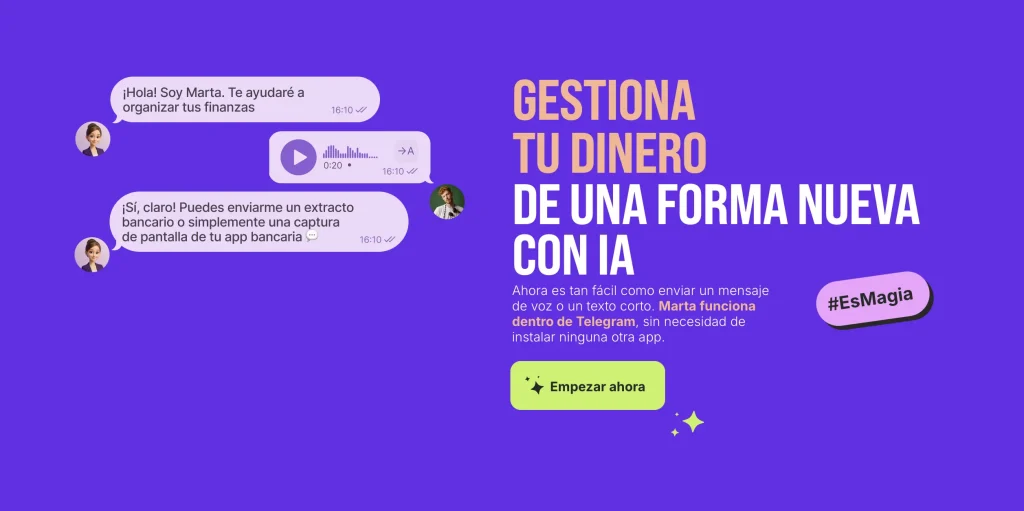
Mantener tus finanzas bajo control sin dedicarles demasiado tiempo es algo que todos desean. Los bancos muestran el historial de transacciones, pero no lo analizan. Excel puede calcular totales, pero requiere introducir los datos manualmente.
En este artículo explicaremos cómo Marta, un servicio de gestión financiera integrado directamente en Telegram, resuelve ambos problemas: recopila automáticamente tus datos y ofrece análisis instantáneos disponibles en cualquier momento.
¿Controlas tus gastos en Telegram o todavía usas Excel?
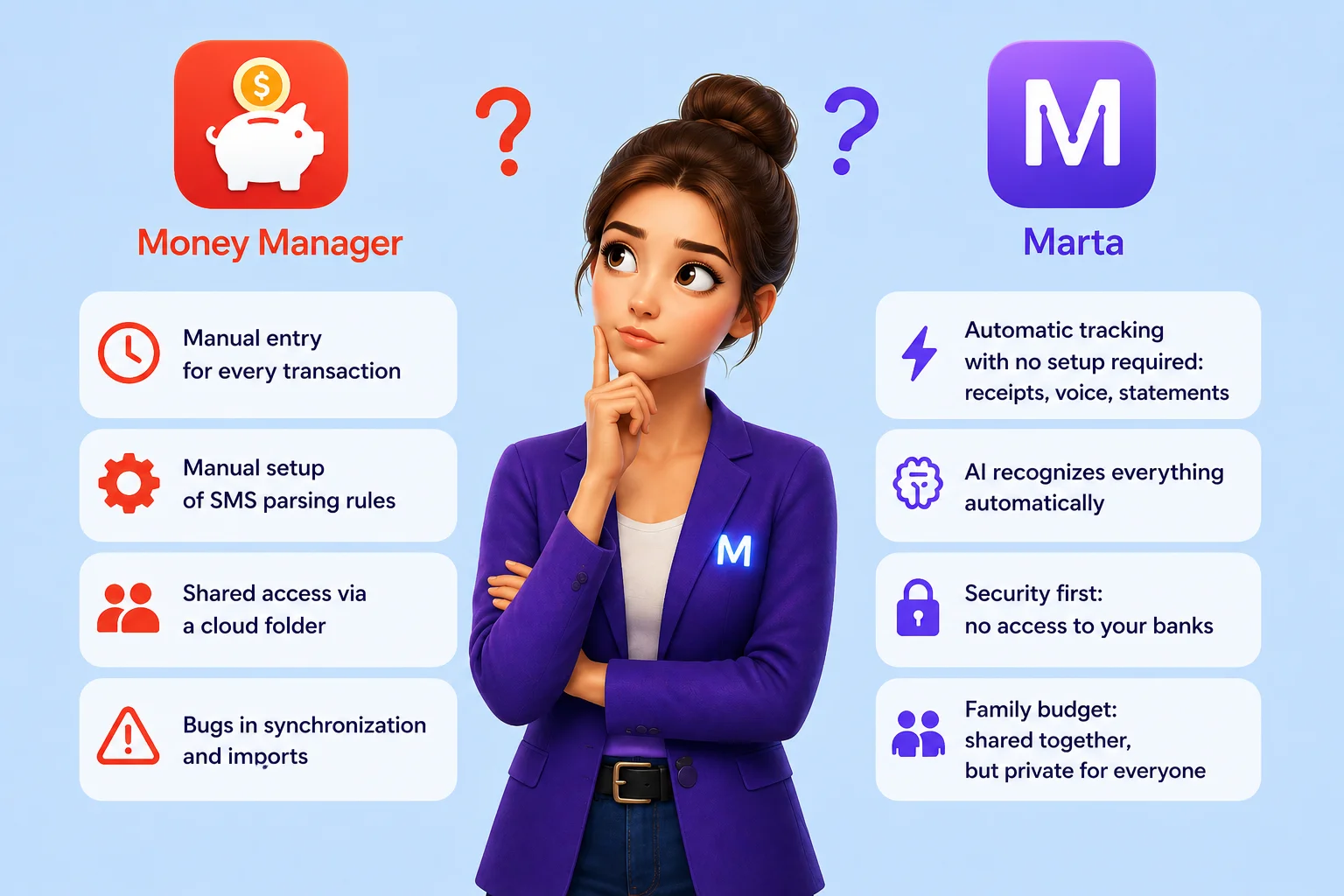
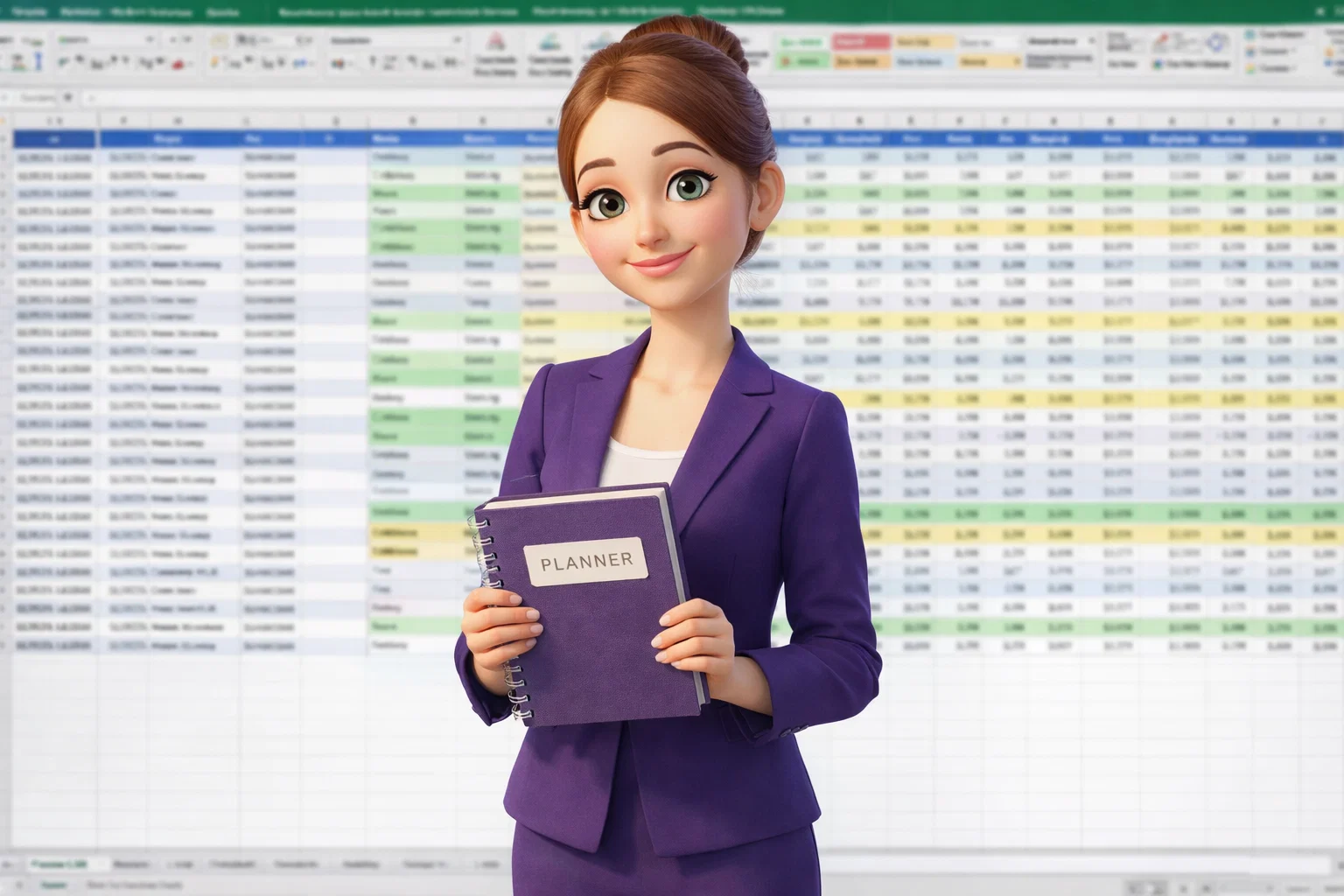
Si todavía gestionas tu presupuesto en hojas de cálculo o en una libreta, probablemente estés dedicando decenas de horas al año a esta tarea. Marta ofrece un enfoque completamente diferente: gestionar tus finanzas directamente dentro del mensajero que ya utilizas cada día.
Resumen de funciones para un control financiero instantáneo:
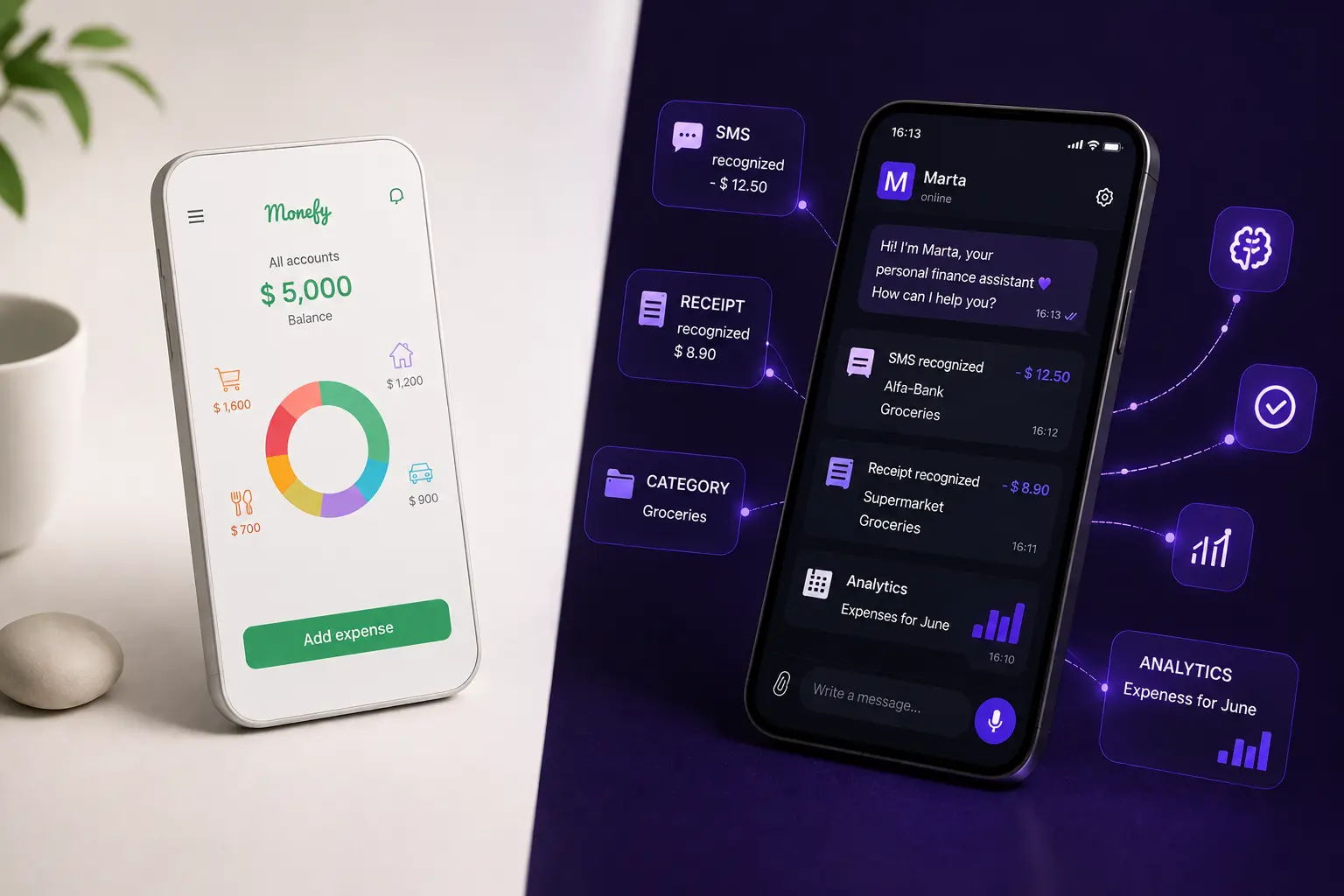
- Añadir gastos en segundos. No necesitas abrir una aplicación ni completar formularios. Simplemente envías un mensaje de voz como: «almuerzo, 15 dólares» o reenvías una captura de pantalla de un pago desde cualquier aplicación bancaria a Marta.
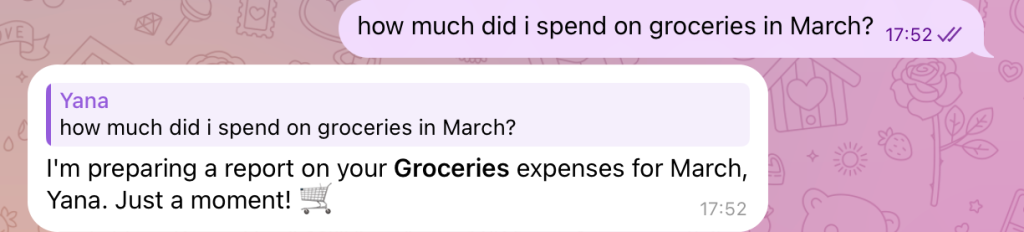
- Analítica instantánea. Una vez cargados los datos, puedes preguntar: «Marta, ¿cuánto gasté en taxis este mes?» o «Muéstrame todos los pagos en supermercados de la semana pasada». La respuesta llega al instante.
- Informes por comercio. ¿Quieres saber cuánto dinero gastaste en una tienda o servicio específico? Marta te mostrará una lista completa de transacciones, por ejemplo, realizadas en Uber o Walmart, junto con la suma total.
Como comenta Regina, especialista en marketing freelance: «Con otras aplicaciones lo dejaba después de una semana. Con Marta, no». Esto sucede porque el proceso se ha convertido en una parte natural de la comunicación diaria.
Controlar tus gastos con Marta en Telegram es tan sencillo como pedir ayuda a un amigo, solo que este amigo te ofrece análisis financieros precisos e inmediatos para ayudarte a tomar mejores decisiones.

¿Por qué el análisis de gastos en Marta es 10 veces más rápido que en las aplicaciones bancarias?

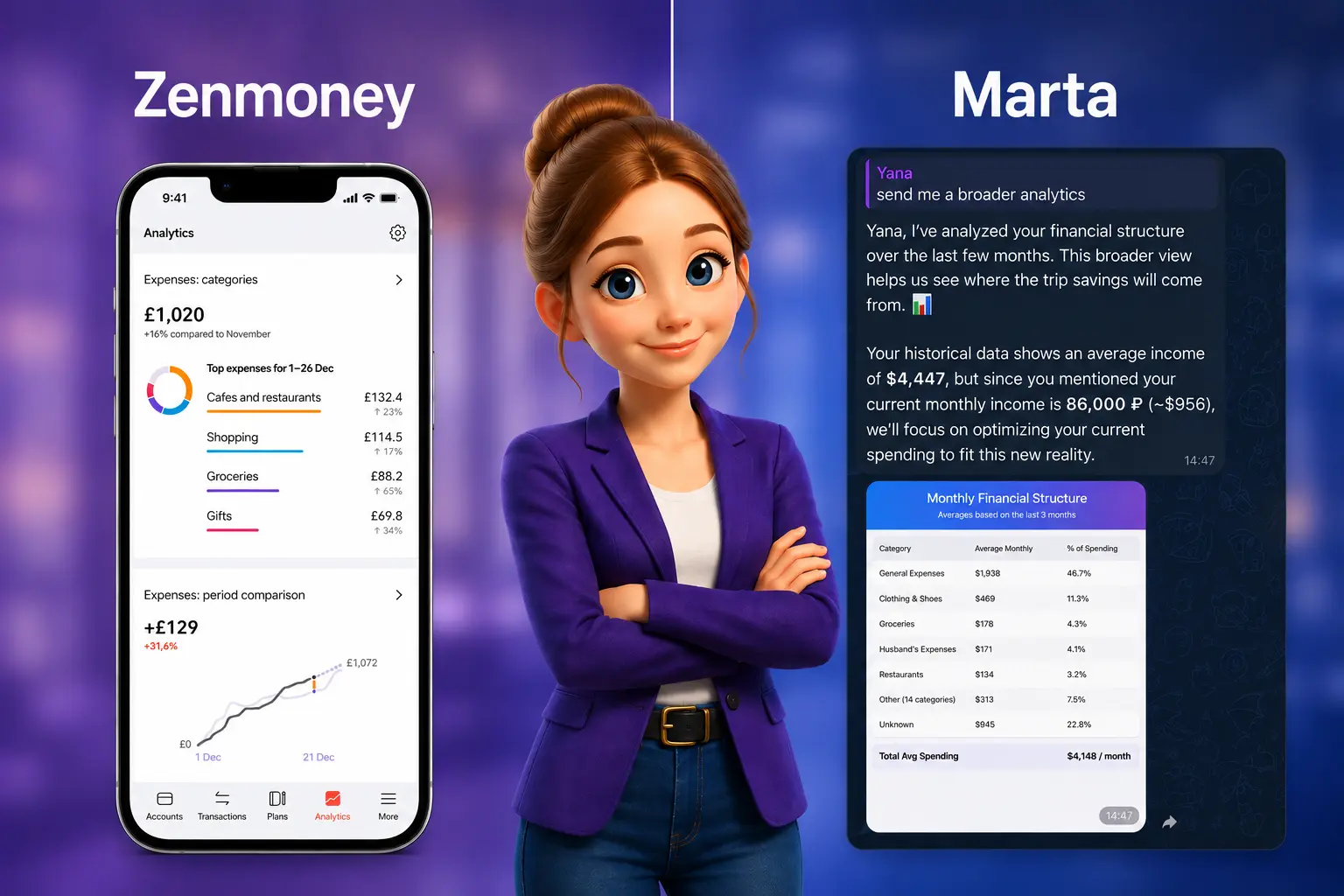
Las aplicaciones bancarias están diseñadas para realizar transacciones, pero no para un análisis financiero profundo. Para entender la estructura de tus gastos en una app bancaria, normalmente necesitas exportar extractos, abrirlos en Excel y procesar los datos manualmente. Marta realiza el análisis de gastos online al instante y sin que tengas que intervenir.
Velocidad y automatización gracias a la IA:
- Procesamiento con IA de formatos complejos. Puedes enviar a Marta un extracto bancario de varios meses en formato PDF o CSV. La inteligencia artificial analizará el documento, reconocerá transacciones en más de 40 idiomas y las cargará en tu cuenta en cuestión de minutos. Procesar manualmente este volumen de datos llevaría horas.
- Búsqueda con lenguaje natural. Marta entiende el lenguaje cotidiano. No necesitas crear filtros complejos. Puedes simplemente preguntar: «¿Cuánto gasté en vuelos el año pasado?» o «Muéstrame mis gastos en restaurantes de los últimos tres meses». El bot encontrará la información y la mostrará automáticamente.
- Paneles visuales. En lugar de largas filas de datos bancarios, Marta ofrece gráficos y diagramas claros. Ves no solo números, sino también proporciones: qué parte de tu presupuesto se destina a vivienda, comida o entretenimiento.
Un banco responde a la pregunta «cuánto se gastó», mientras que Marta responde «dónde, con quién y por qué», y lo hace mucho más rápido.
¿Los gastos ocultos están agotando tu presupuesto? Marta los encontrará al instante.
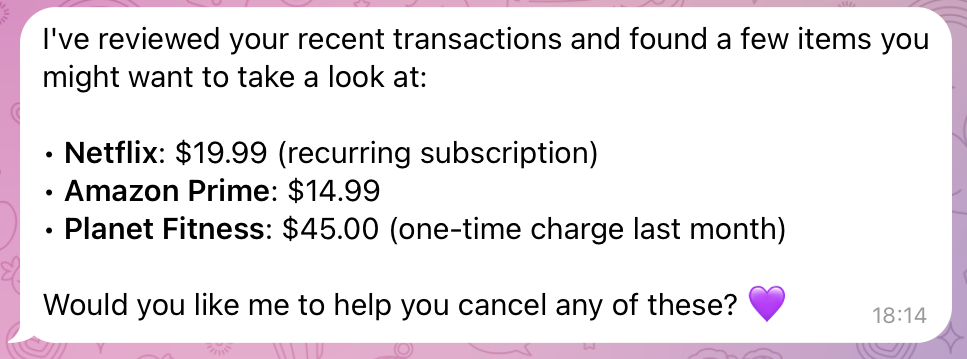
La parte más peligrosa de cualquier presupuesto no son las grandes compras, sino los pequeños gastos recurrentes que pasan desapercibidos. Renovaciones de suscripciones, comisiones de servicios o pequeñas transferencias a amigos se acumulan silenciosamente con el tiempo. Marta utiliza tecnología avanzada para detectarlos y hacerlos visibles al instante.
Tecnología para detectar gastos ocultos:
- Aprendizaje a partir de pagos a personas. Marta se vuelve más inteligente con el tiempo. Como explica Anton Danilenko, creador de Marta, el asistente aprende de tus datos. Si envías dinero regularmente a la misma persona, Marta puede recordarlo y mostrar el importe total transferido a esa persona durante cualquier período. Lo que parecen pequeños pagos puede convertirse en una suma considerable con el tiempo.
- Conversión automática de divisas. Si pagas servicios en diferentes monedas, los importes en los extractos bancarios pueden variar debido a los tipos de cambio. Marta convierte todos los gastos a tu moneda principal utilizando el tipo de cambio vigente en la fecha de cada transacción, para que siempre veas el total real en un formato único y coherente.
- Sugerencias de optimización. Después de analizar tus gastos, Marta puede sugerir: «Tienes tres suscripciones mensuales de streaming. Mantener solo una podría ahorrarte alrededor de 15 dólares al mes».
Marta actúa como un detective financiero: identifica rápidamente las fugas de dinero y te ayuda a detener gastos invisibles que drenan tu presupuesto, brindándote más control y tranquilidad.
Marta — tu asistente de finanzas personales en Telegram
Casos reales: cómo Daria y Dmitry ahorraron miles con Marta
Los números y las funciones son útiles, pero las historias reales de usuarios muestran el verdadero valor de un servicio de gestión financiera.
Historias reales de usuarios:
- El caso de Daria: poner orden en el caos. Daria, administradora, comenta: «Simplemente envío capturas de pantalla y el bot categoriza todo automáticamente. Tarda solo unos segundos. Un par de acciones y mis finanzas quedan organizadas». Para ella, el beneficio no fue solo ahorrar dinero, sino también ahorrar tiempo y reducir el estrés. Ya no evita revisar su saldo a final de mes porque siempre entiende cuál es su situación financiera.
- El caso de Dmitry: ahorrar para un sueño. Dmitry, gerente de una tienda, se propuso ahorrar para un coche nuevo. Antes, el dinero parecía desaparecer sin explicación. Marta le ayudó a darse cuenta de que los snacks espontáneos y el café para llevar sumaban una cantidad suficiente para cubrir un pago mensual del coche. «Todo es extremadamente sencillo: envío un mensaje de voz y recibo datos estructurados. Ahora puedo ahorrar y finalmente avanzar hacia mi sueño», afirma.
Cada historia lleva al mismo resultado: claridad financiera, que se traduce en ahorro real y en el logro de objetivos.
Paso a paso: empieza a controlar tus gastos en Telegram en un minuto
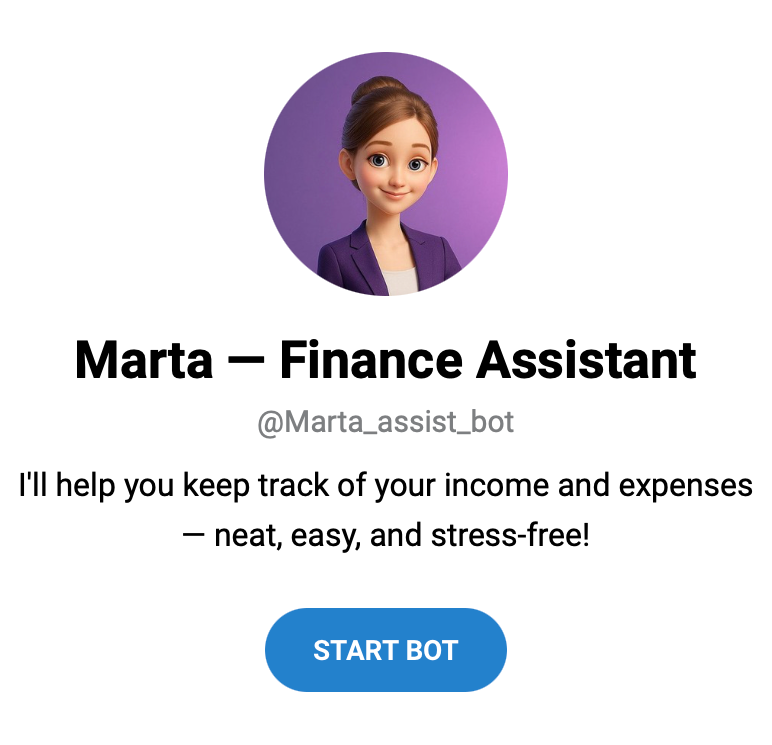
Empezar a usar Marta es más fácil que prepararte una taza de té. No necesitas registrarte en un sitio web ni instalar otra aplicación en tu teléfono.
Guía rápida para empezar:
Paso 1. Encuentra el bot. Ve a @Marta_assist_bot y pulsa «Start».
Paso 2. Envía tu primer gasto. Haz una captura de pantalla de tus últimas transacciones en cualquier aplicación bancaria y envíala a Marta. O pulsa el micrófono y di: «Hoy gasté 30 dólares en el supermercado».
Paso 3. Personaliza las categorías (opcional). Si quieres una analítica más detallada, puedes crear tus propias categorías, por ejemplo, dividir «Supermercado» en «Entrega» y «Tienda local». Marta recordará tus preferencias.
Paso 4. Usa la IA para gestionar suscripciones. Pregunta: «Marta, muéstrame todas mis suscripciones». Recibirás una lista completa. Después podrás configurar recordatorios para cancelar las innecesarias antes del siguiente cobro.
Paso 5. Exporta tus datos. Para informes anuales o la planificación de grandes compras, siempre puedes exportar tus datos. Esto sigue siendo conveniente incluso si pausas la suscripción, ya que tu historial seguirá disponible para consultarlo en cualquier momento.
Todo el proceso, desde cero hasta tener un control financiero completo, toma menos de un minuto y requiere solo una captura de pantalla.
Reflexiones finales
Marta, un servicio de gestión financiera, transforma el seguimiento rutinario de gastos en un proceso rápido y claro, integrado directamente en tu experiencia diaria en Telegram. No solo obtienes un registro de gastos, sino también una potente herramienta de análisis financiero online que ayuda a descubrir reservas ocultas en tu presupuesto, avanzar hacia tus objetivos de ahorro y conservar tu recurso más valioso: el tiempo.
¿Qué deberías hacer ahora mismo para tomar el control de tu dinero?
- Descubre más sobre el servicio y sus funciones en el sitio web oficial de Marta.
- Empieza a ahorrar hoy mismo. Activa tu prueba gratuita de 7 días — sin necesidad de tarjeta bancaria.
- Mantente al día. Para ser de los primeros en conocer nuevas funciones, como la próxima Suscripción Familiar, suscríbete al canal de Telegram.
Escribe a Marta hoy, y mañana sabrás más sobre tus finanzas de lo que sabías durante todo el último mes.