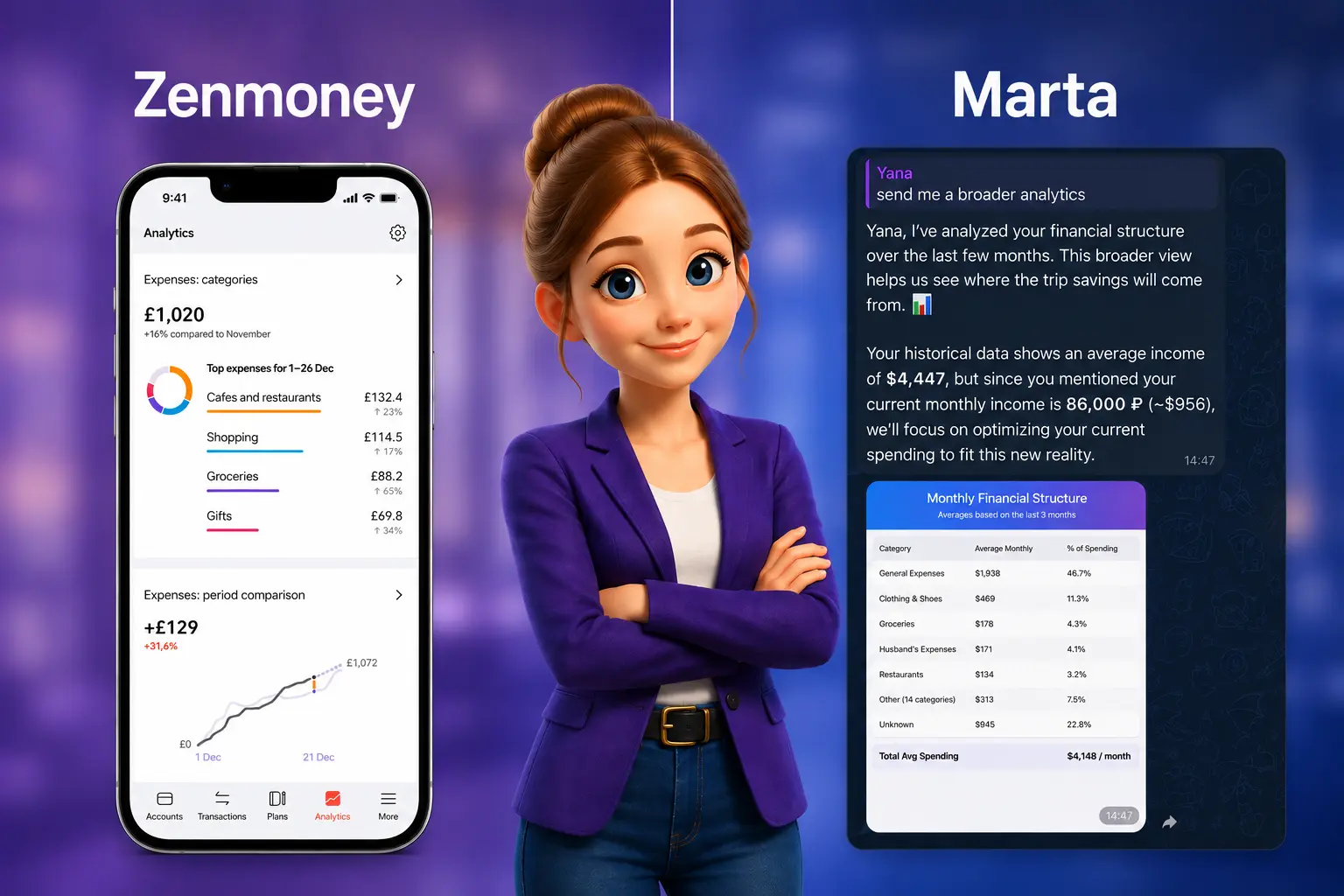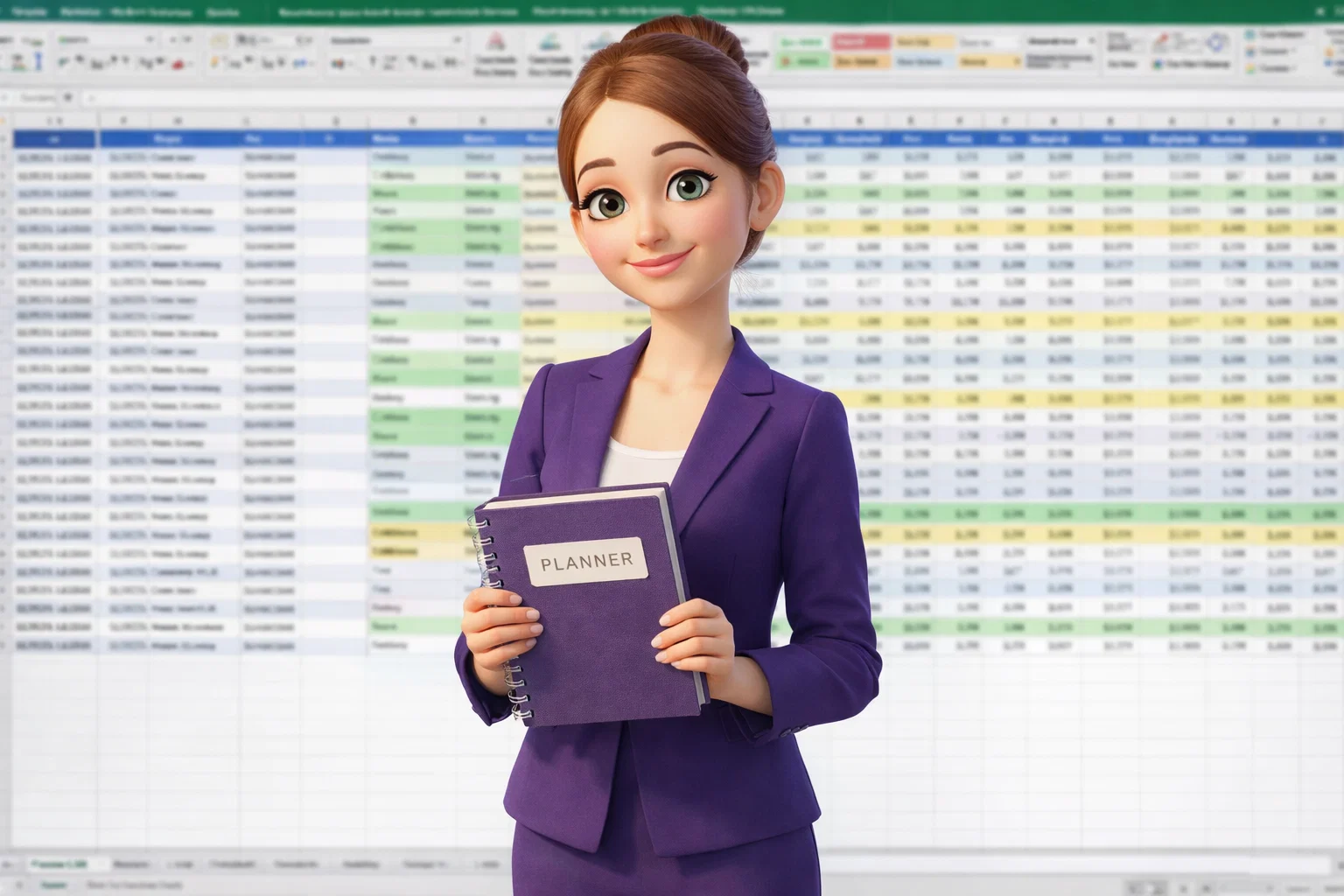
Para ir más allá del seguimiento rutinario hacia un análisis inteligente, este artículo muestra cómo Marta, un asistente con IA, te ahorra tiempo automatizando los informes financieros y facilita la gestión del dinero al convertir tus gastos e ingresos en paneles claros con insights accionables. Primero, veamos en qué se diferencia este enfoque de la gestión tradicional con hojas de cálculo.
¿Realmente necesitas habilidades en Excel para tener tus finanzas bajo control?
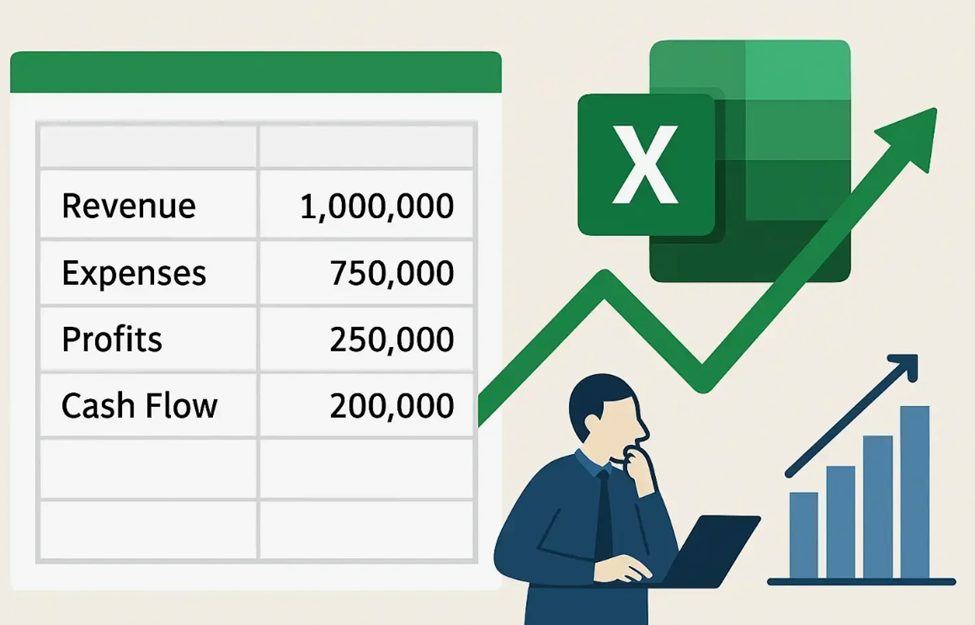
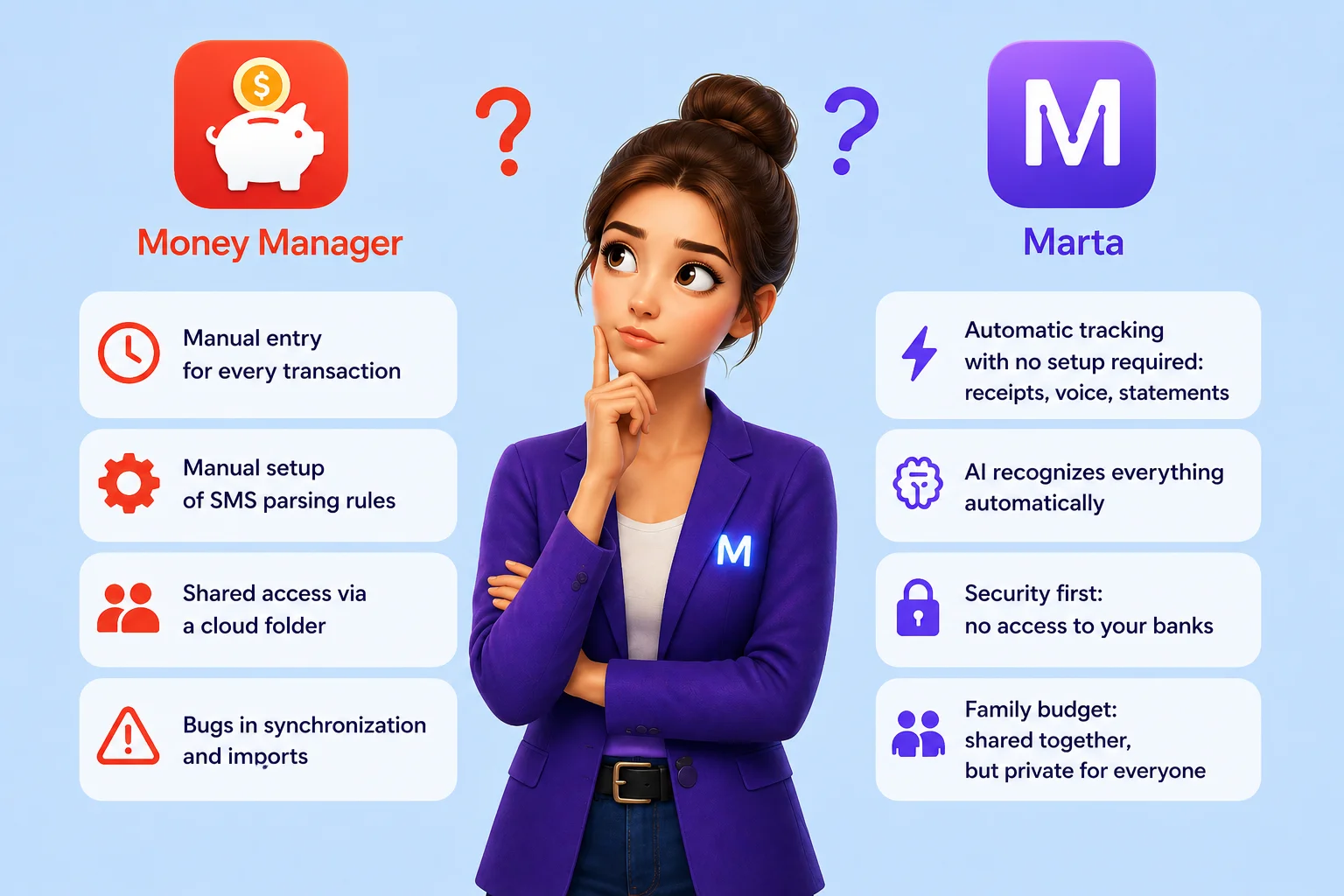
Marta adopta un enfoque completamente diferente para la gestión financiera. No necesitas saber cómo crear hojas de cálculo ni trabajar con fórmulas. Simplemente sigue con tu rutina diaria: gana dinero, gástalo y administra tus finanzas como siempre. Marta se encarga de todo en segundo plano: recopila tus datos, los organiza, clasifica las transacciones y las convierte en visualizaciones claras y fáciles de entender.
Como explica Anton Danilenko, creador de Marta y fundador de Fruitful Solutions: «La tecnología debería hacer que la gestión financiera sea accesible para todos. No necesitas ser analista para entender tu dinero: simplemente puedes tener uno en tu bolsillo».
En otras palabras, la gestión financiera moderna ya no requiere habilidades avanzadas de Excel. Con la IA, la rutina se realiza automáticamente, y tus datos financieros se convierten en informes claros y estructurados que realmente puedes utilizar.

¿Cómo sustituye Marta el seguimiento manual del presupuesto?
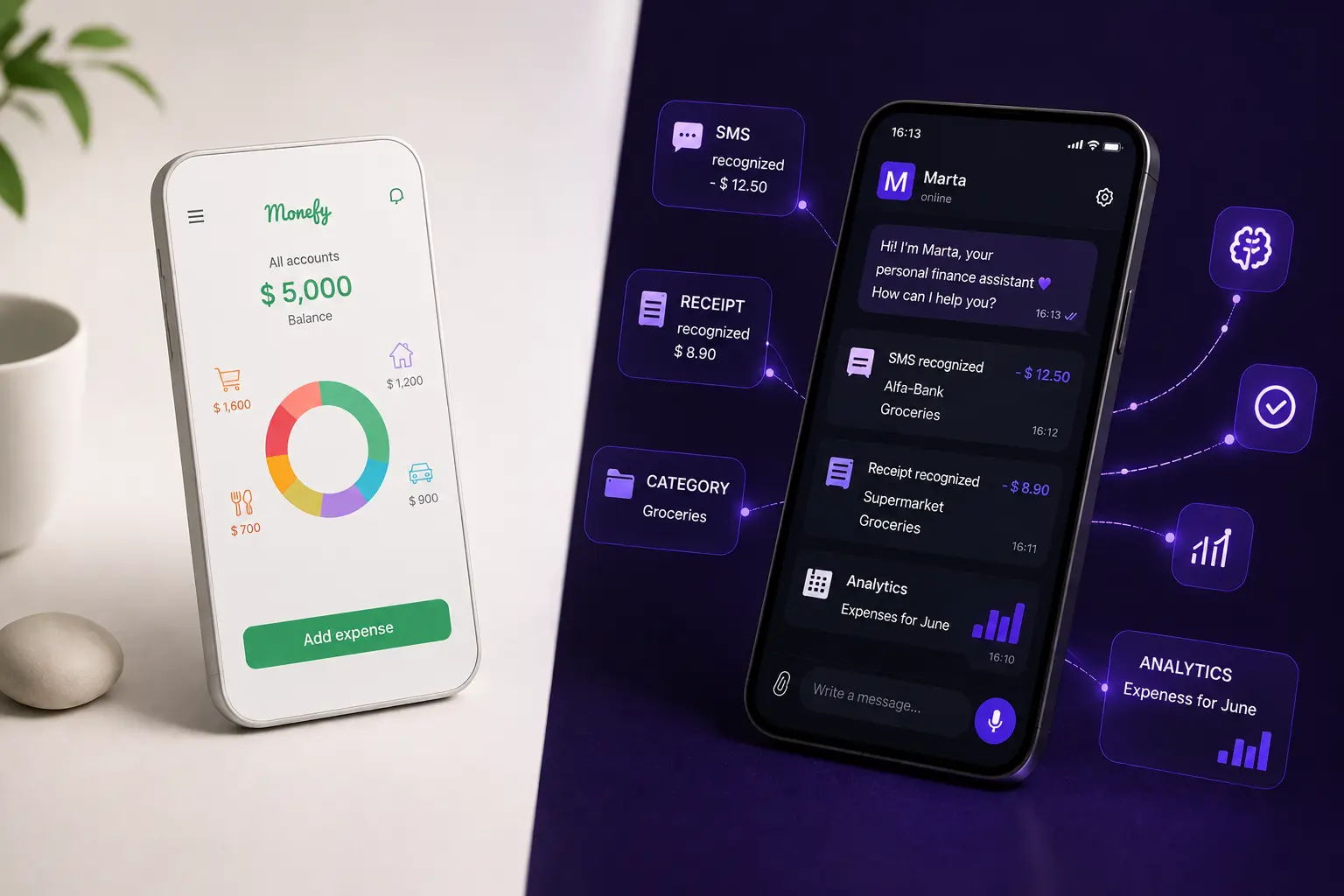
Marta crea automáticamente una base de datos financiera personal. Así funciona el proceso:
- Sin acceso directo al banco. Marta no se conecta a tus cuentas bancarias ni solicita permisos sensibles. Tú decides qué compartir: capturas de pantalla, extractos o mensajes. Esto te da control total sobre tus datos y mantiene toda la información privada.
- Categorización inteligente. Cada transacción se asigna automáticamente a la categoría correcta, como alimentación, transporte o salario. El sistema aprende con el tiempo. Si cambias la categoría de un comercio específico, Marta recordará tu preferencia en el futuro.
- Funciona con cualquier tipo de dato. No toda la información proviene del banco. Si pagas en efectivo o tienes un recibo, basta con enviar una foto o un mensaje de voz rápido, por ejemplo: «Gasté 30 dólares en gasolina». Marta lo reconocerá y registrará automáticamente.
En lugar de rellenar hojas de cálculo, simplemente revisas y ajustas categorías en el chat. Mientras tanto, el sistema crea en segundo plano una visión estructurada y en tiempo real de tus finanzas.
En la práctica, Marta sustituye por completo la introducción manual de datos al combinar reconocimiento de recibos, entrada por voz y recopilación flexible de información, sin necesidad de acceder directamente a tus cuentas bancarias.
¿Qué tipo de informes puedes obtener con Marta?
En lugar de pasar horas configurando filtros y tablas dinámicas, simplemente le pides a Marta el informe que necesitas utilizando lenguaje natural. Estos son los principales tipos de informes que puedes obtener:
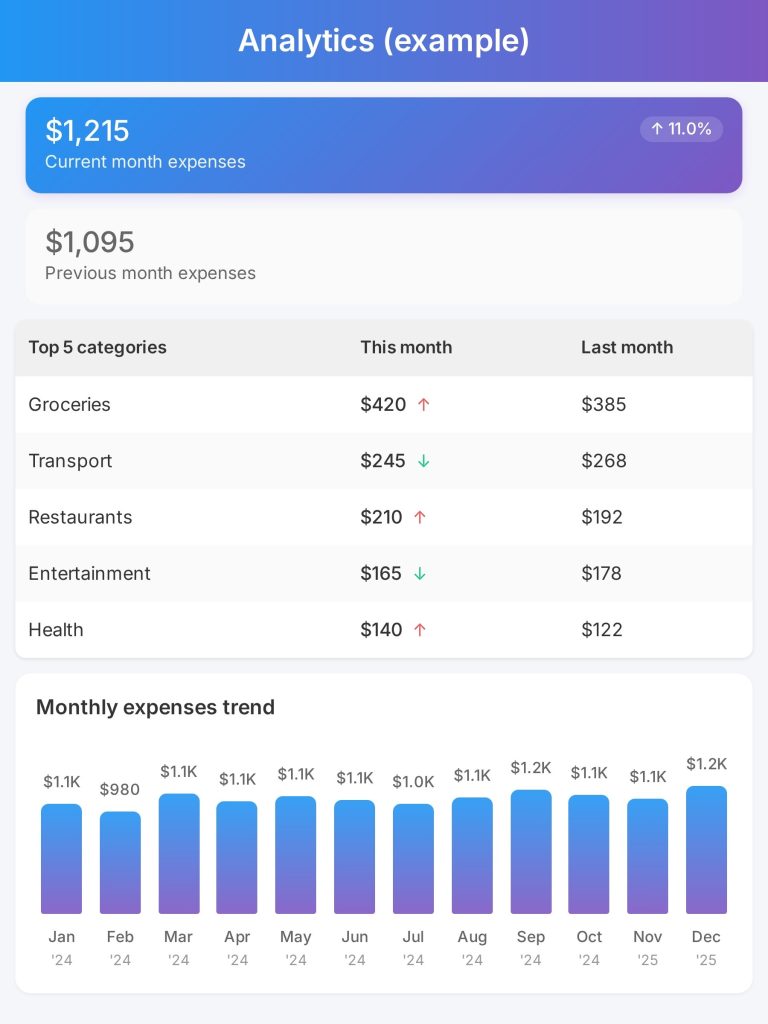
- Gráficos basados en períodos de tiempo. Basta con preguntar: «Marta, ¿en qué gasté dinero la semana pasada?» o «Muéstrame mis ingresos y gastos del mes pasado en un gráfico». Marta genera al instante una visualización clara directamente en el chat.
- Desglose por categorías y comercios. Preguntas como «¿En qué gasté más este mes?» o «¿Cuánto pagué por servicios móviles este año?» te proporcionan un desglose preciso. En esencia, recibes un informe financiero listo para usar en formato interactivo.
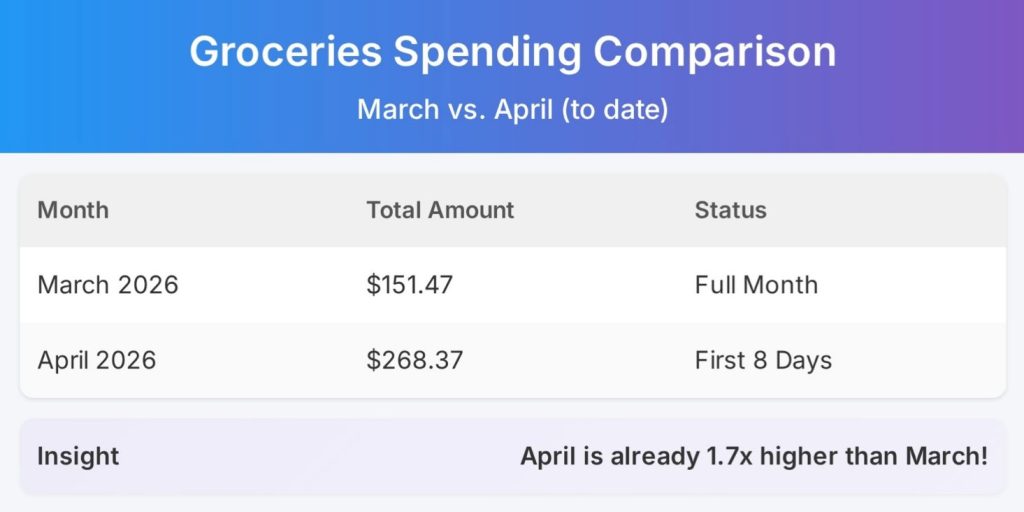
- Tendencias y comparaciones. Una de las consultas más potentes es: «Compara mis gastos en alimentación de este mes con los del mes pasado». Marta muestra no solo las cifras, sino también el porcentaje de cambio.
Todos los informes financieros estándar están disponibles mediante una conversación sencilla. Ya no necesitas recordar cómo están organizadas tus hojas de cálculo: basta con preguntar.
¿Puedes exportar datos a Google Sheets y mantener la flexibilidad?
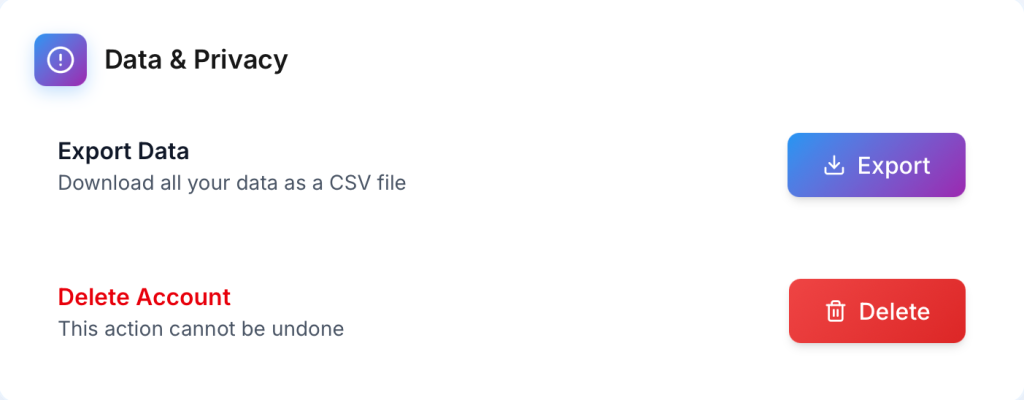
Sí, y esto es especialmente importante para usuarios que necesitan una personalización más profunda o prefieren trabajar con hojas de cálculo. Marta admite la exportación automática a Google Sheets.
- Cómo funciona. Una única conexión con tu cuenta de Google permite que Marta cree y actualice regularmente hojas de cálculo con tus transacciones.
- Para quién es útil. Para freelancers que preparan informes para contables, familias que gestionan presupuestos compartidos o usuarios que desean crear análisis personalizados.
- Mantener la flexibilidad. Obtienes tanto la recopilación y categorización automática de datos de Marta como el control total sobre el análisis en un entorno familiar, como Excel o Google Sheets, donde puedes crear tablas y gráficos personalizados.
Marta te ofrece flexibilidad total. Aprovechas la recopilación automática de datos y la generación de insights, mientras sigues teniendo libertad para analizar tus finanzas en el formato que prefieras. Veamos ahora cómo los informes generados por IA de Marta ofrecen mucho más que las tablas tradicionales.
¿Qué son los “informes inteligentes” y cómo te ayudan a tomar decisiones?
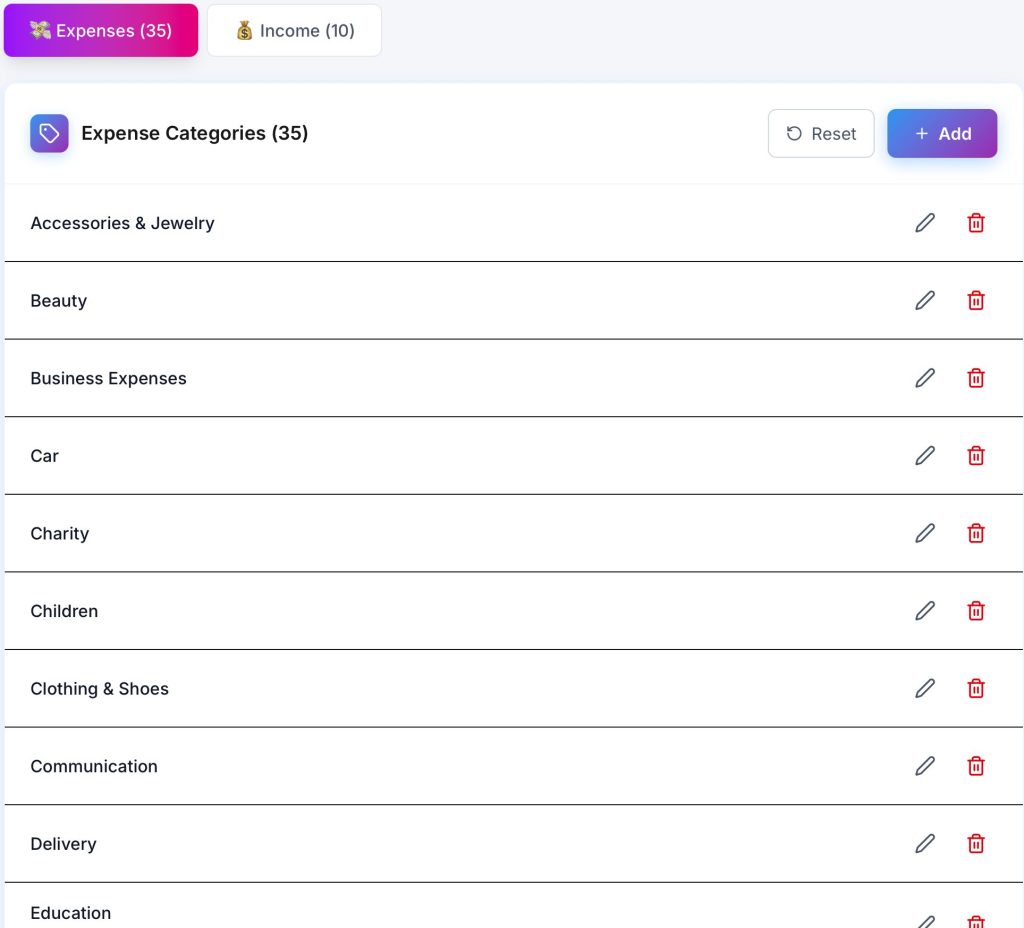
La principal diferencia entre los informes generados por IA y las tablas estáticas está en el contexto y la interpretación. Los informes inteligentes de Marta explican qué está ocurriendo y por qué es importante, y van más allá de simples cifras para aportar significado y relevancia a los datos.
- Explicaciones impulsadas por IA. Después de generar un informe, el sistema puede destacar insights como: «El aumento de gastos de este mes está impulsado principalmente por los gastos de viaje, que crecieron un 150 % en comparación con el mes pasado, mientras que el resto de las categorías se mantiene estable».
- Respuestas a preguntas complejas. Puedes preguntar: «¿Por qué gasté más de lo que gané este mes?» o «¿Dónde puedo reducir gastos para ahorrar para unas vacaciones?». Marta analiza tus datos, identifica los factores clave y ofrece recomendaciones claras y comprensibles.
- Pronósticos. Basándose en tu comportamiento financiero anterior, el sistema puede estimar los gastos esperados para finales de mes y advertirte sobre posibles excesos de gasto.
Al transformar datos financieros sin procesar en recomendaciones prácticas, Marta no solo te proporciona informes, sino que también facilita la comprensión y mejora de tus decisiones financieras, ayudándote a actuar con mayor confianza.
Marta — tu asistente de finanzas personales en Telegram
¿Cómo crear un sistema de informes que funcione de manera continua?
Un seguimiento financiero eficaz depende de la constancia. Con Marta, puedes configurar un sistema que funcione automáticamente:
- Configura resúmenes periódicos. Pídele a Marta que te envíe un resumen semanal de ingresos y gastos. Revisarlo solo te llevará un par de minutos.
- Utiliza consultas recurrentes. Cada mes, haz las mismas preguntas clave, como: «Top 5 de categorías de gastos», «Comparar ingresos con el mes pasado» o «Mostrar todas las suscripciones activas».
- Confía en las notificaciones. El sistema te avisa sobre gastos inusuales, límites que están por alcanzarse o cambios en tus patrones financieros, para que te mantengas informado sin necesidad de revisar todo constantemente.
- Reduce el trabajo manual al mínimo. El enfoque deja de estar en crear informes y pasa a centrarse en actuar según los insights obtenidos, como cancelar suscripciones innecesarias o ajustar presupuestos.
Con Marta, los informes financieros se generan automáticamente en segundo plano, lo que te ahorra horas de trabajo y garantiza que siempre tengas la información necesaria para tomar decisiones financieras inteligentes.
Reflexiones finales
Gestionar tus finanzas con hojas de cálculo ya no tiene por qué ser un proceso manual. Marta automatiza la recopilación de datos, genera informes claros bajo demanda y, lo más importante, ofrece insights inteligentes y contextualizados. Ya no actúas como tu propio contable: ahora tomas decisiones estratégicas basadas en datos que realmente entiendes.
Para ver cómo tus datos financieros pueden transformarse en informes estructurados, comienza con una prueba gratuita de Marta. Permite que el sistema recopile datos durante un par de semanas, luego solicita informes y explora los insights disponibles.
Puedes encontrar más información sobre las funciones de Marta en el sitio web oficial. Para mantenerte al día sobre nuevas funciones, incluidas mejoras en el reconocimiento de recibos y formatos de informes, sigue el canal de Telegram.
Deja que tus hojas de cálculo trabajen para ti, y no al revés.